Launch Monitors
Golf Live FlightScope Integration: Remote Lesson Guide (2026)
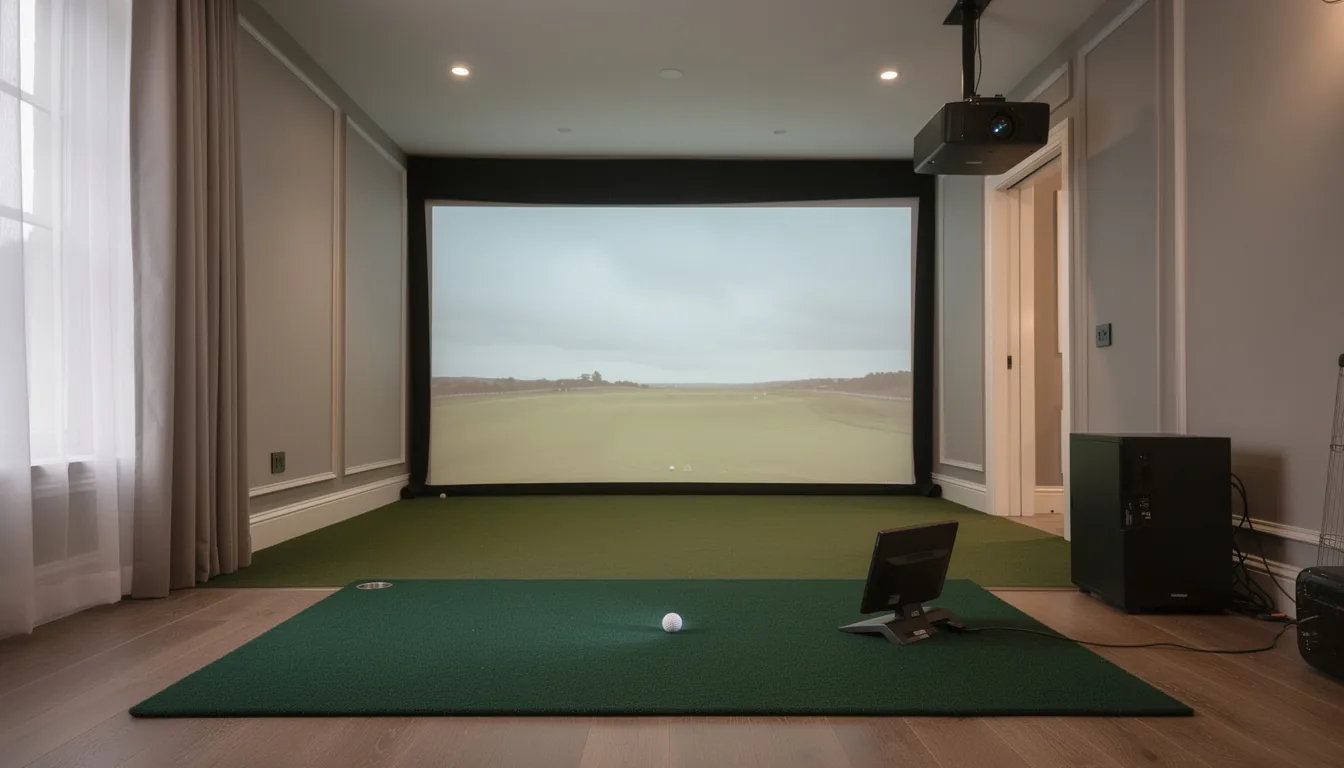
Golf Live and FlightScope announced live remote coaching with Mevo+ shot data paired to swing video. Confirm your exact monitor, app and lesson plan before buying or booking; the announcement does not establish support for every FlightScope model.
This guide is part of 6 golf launch monitors to shortlist in 2026.
Sections6
The Golf Live FlightScope integration connects two parts of a golf lesson: a video of your swing and the launch monitor's reading of that shot. The coach can look at both while you are on a live call. That lets the coach discuss the movement alongside the data.
This guide explains the companies' published description. It draws on FlightScope's June 2025 announcement and an archived Golf Live product page, checked on 31 October 2026. Those sources describe Mevo+. They do not confirm today's prices, app requirements or support for newer models.
Golf Live's Mevo+ integration was announced as a way to pair swing video with launch data during a live lesson and save the two together for later review. That is a coaching service, not evidence of a course-play license. Before you pay, ask about your exact monitor, supported device, account plan and coach, then confirm how you will review the saved lesson.
Golf Live FlightScope integration: what was announced
FlightScope's 18 June 2025 announcement describes players connecting with a coach on a live video call while using a Mevo+. Swing video and launch data are captured together. Coaches can select data points to focus on, with the other available parameters saved for later review.
The archived Golf Live integration page describes the same process: shot metrics appear with the matching swing, and the saved session keeps video, data and coach feedback together. Treat this as a description of the announced service, not a current offer or a promise about every feature on your account.
| Lesson part | Published feature | Confirm now |
|---|---|---|
| Swing video | Video is paired with the corresponding shot data | Supported device and camera position |
| Launch data | Mevo+ data is available during the live lesson | Metrics your hardware and upgrades provide |
| Saved session | Video and data can be reviewed together later | Storage, access period and account terms |
| Simulated courses | These sources describe coaching, not a course license | Separate software and entitlement if you want course play |
Check the exact monitor before buying
Mevo+ is the model named in both sources. Do not extend that claim to the original Mevo, Mevo Gen2, X3 or another device just because it carries the FlightScope name. Ask Golf Live to confirm your exact model and current app version before paying for the service or new hardware.
Also ask which data your coach needs. The archived page distinguishes the base Mevo+ data from the extra metrics available with the Pro Package. That does not mean every golfer needs the upgrade. Agree on the lesson goal first, then check whether your own unit supplies the readings needed for it.
Prepare the room and a test shot
A video call does not remove the launch monitor's setup needs. Follow the current manual for your exact unit, then check the ball-to-net distance, space behind the ball and swing clearance. Our room planning guide separates tracking space from the space needed to swing safely.
Before the booked lesson, agree with the coach how you will place the camera. Keep it outside the swing and ball path. Check that you can hear instructions without holding the device while swinging.
Ask to confirm the connection with one test shot. The practical check is whether the coach can see the intended swing and its matching data, not merely whether the video call connects. Resolve a missing shot or unclear camera view before spending the lesson on swing changes. These are preparation suggestions, not a vendor connection procedure.
Keep coaching and simulation costs separate
A remote lesson, a monitor upgrade and a course-play subscription solve different problems. The integration announcement does not establish that any of them includes the others.
Write down the lesson or membership fee, any hardware data upgrade and any separate simulator license before you compare the total. Ask about saved-session access and cancellation terms too. Our software compatibility guide explains why a monitor entitlement and a software license can be separate purchases.
Questions to settle before booking
- Does the current service support my exact Mevo+ version and device?
- Which readings will my coach use, and does my unit provide them?
- Can we check that one swing and its data reach the coach together?
- Where is the saved lesson, and how long can I access it?
- Which coaching, membership and software charges are separate?
Mevo Gen2 support: The primary sources used here name Mevo+. Get current model-specific confirmation from Golf Live.
Simulated courses: These sources do not establish a course-play entitlement. Confirm that separately with the software provider.
Verdict: Golf Live FlightScope integration for home practice
The Golf Live FlightScope integration links the swing and the shot: your coach can discuss the movement alongside the data it produced. Start with the monitor you own, confirm current support and test the connection before the lesson. If you are still choosing hardware, use our launch monitor guide to check the room and sensor type first.
Review cycle: every 90 days, or sooner after a published compatibility change. Current Golf Live and FlightScope support information takes precedence over the historical announcement and archive.