Launch Monitors
Rapsodo MLM2PRO Technology: Cameras, Radar and Room Setup
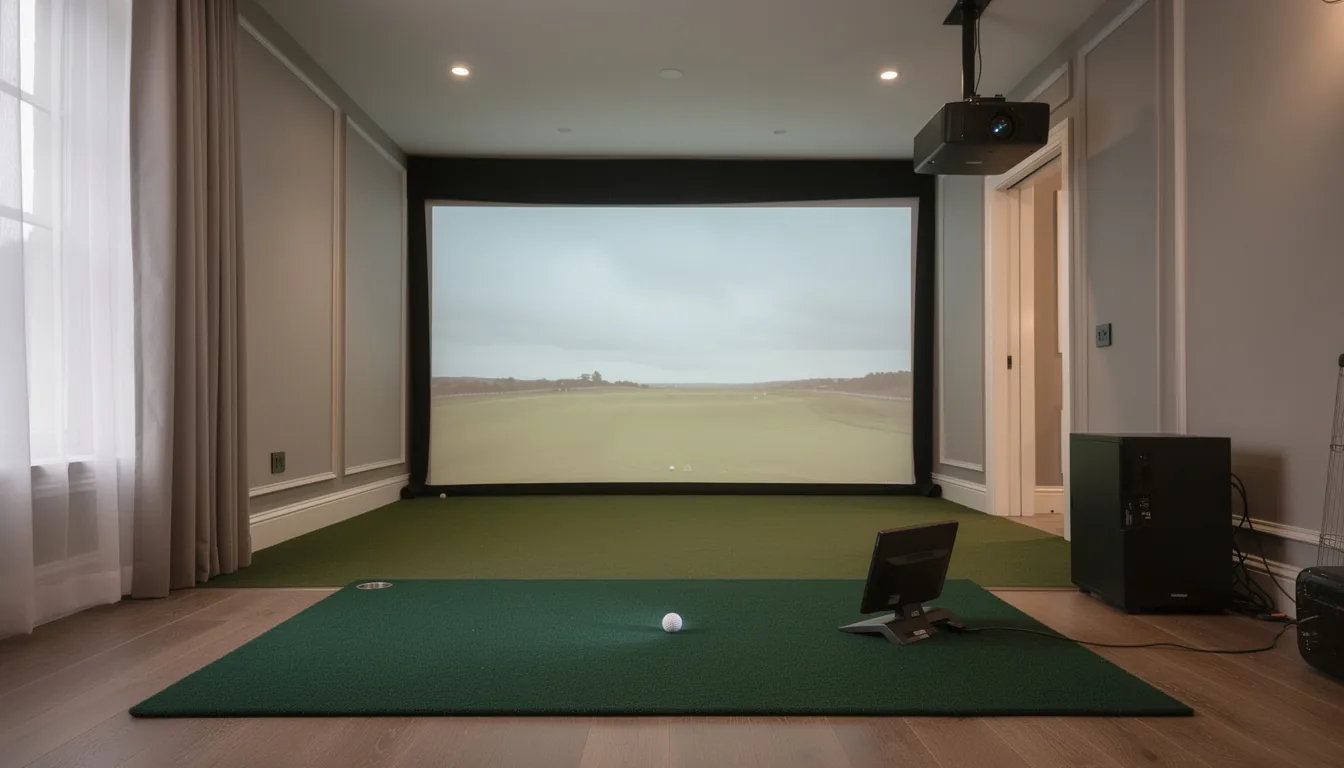
The MLM2PRO uses two cameras plus Doppler radar. For an indoor build, check the space behind the ball, RPT balls for spin measurement and the membership needed for your chosen features before buying.
This guide is part of Golf Launch Monitors: How to Pick One, and the Six Worth Shortlisting.
Sections6
The MLM2PRO combines shot data with video of the swing and impact. That makes it useful for a home net or simulator, but the camera system does not turn it into a side-mounted monitor for a short room. The unit still sits behind the ball.
This is an independent technical reference based on the manufacturer sources below, checked on 31 October 2026. For the broader choice between sensor types, start with our launch monitor guide.
What the cameras and radar do
Rapsodo describes the MLM2PRO as two cameras working with Doppler radar. The combination provides measured shot information and video feedback; not every number on the screen is a direct measurement.
The current MLM2PRO specification page lists 15 metrics, eight measured. Its video features serve different jobs: Shot Vision lets you review the swing, while Impact Vision shows contact. Distance outputs describe the resulting shot rather than replacing the underlying speed, launch and spin readings.
That distinction matters when comparing devices. A large metric count does not mean the device directly observes every part of a full outdoor ball flight inside your garage. Use the data labels and setup requirements, rather than the count alone, to judge whether it fits your practice.
Why RPT balls matter for spin
The printed RPT pattern gives the camera a reference for measuring the ball's rotation. A normal golf ball and an RPT ball are therefore different inputs to the spin system.
Rapsodo's product documentation ties measured spin rate and spin axis to its supported RPT balls. Do not budget for the device and assume any ball gives the same spin feedback. Check the current ball and membership requirements for the mode you intend to use.
Keep spare balls in the build budget. Replacing a lost or worn ball is a running cost, even when the net, mat and screen are already paid for. This reference makes no independent claim about measurement accuracy.
Set up for club data, not just a detected shot
Alignment, level and ball placement all matter. A shot being recorded does not establish that the ball was in the right area for every club metric.
Rapsodo's club-data setup guide distinguishes an orange club-data hitting area from a yellow ball-data area. It explains that club data uses images from before and after impact. Follow the app's overlay for your handedness, aim along the target line and level the unit before starting.
If you move the tripod or mat, check those settings again. Marking the normal positions can make repeat sessions easier, but the app remains the check on where the ball should go.
Measure both sides of the ball
Plan the tracking layout first, then confirm the room also allows your full swing and safe containment. Tracking distance alone is not a safe room specification.
The current Rapsodo FAQ gives shared setup guidance for MLM2PRO and MLM2XPRO: place the unit 7.5 feet behind the ball and allow at least 8 feet from ball to net. That adds to 15.5 feet from device to net. Leave further space where your enclosure, wall clearance or swing requires it.
Measure the usable distance after allowing for the screen or net position. Check width and ceiling clearance separately using our room planning guide. A long room can still be too low for your swing.
Check membership and software before buying
Owning the hardware does not mean every app feature or third-party simulator is included. Verify the current entitlement for the exact device and account.
Rapsodo's FAQ separates free practice from membership features, including spin and club data. Its product page also contains conflicting trial descriptions, so this reference does not promise a trial length. Confirm the offer at registration, especially for a used unit.
Write down the hardware, supported balls, monitor membership, simulator license and computer as separate budget lines. Our software compatibility guide explains why a software license and a monitor-side entitlement can be separate costs. Put the complete room build into the cost calculator, rather than treating the monitor as the whole simulator.
Before you commit
- Confirm you are checking MLM2PRO documentation, rather than MLM1 or MLM2XPRO features.
- Measure device-to-ball and ball-to-net space, then check your swing clearance.
- Check the current RPT-ball and membership requirements for spin and club data.
- Confirm the exact software, operating system and connection route you will use.
- Save the current offer and entitlement terms with your purchase records.
Review cycle: every 90 days, or sooner after a manufacturer setup or membership change. The linked manufacturer pages remain the source for current requirements.