Software and computers guide / All product shortlists
3 Best Software Options for a First Simulator in 2026
We may earn a commission from some links on this page.
Our top 3 picks

1. FlightScope Golf PC Software
Best fit FlightScope PC setup
Check before buying Requires compatible FlightScope hardware and a supported PC.
View Latest Price
2. E6 Golf 26 Golf Simulation Software
Best fit E6 software entry point
Check before buying Requires compatible hardware and a supported computer.
View Latest Price
3. GSPro Software Yearly Subscription
Best fit PC simulator software
Check before buying Requires a compatible Windows PC and supported launch monitor.
View Latest Price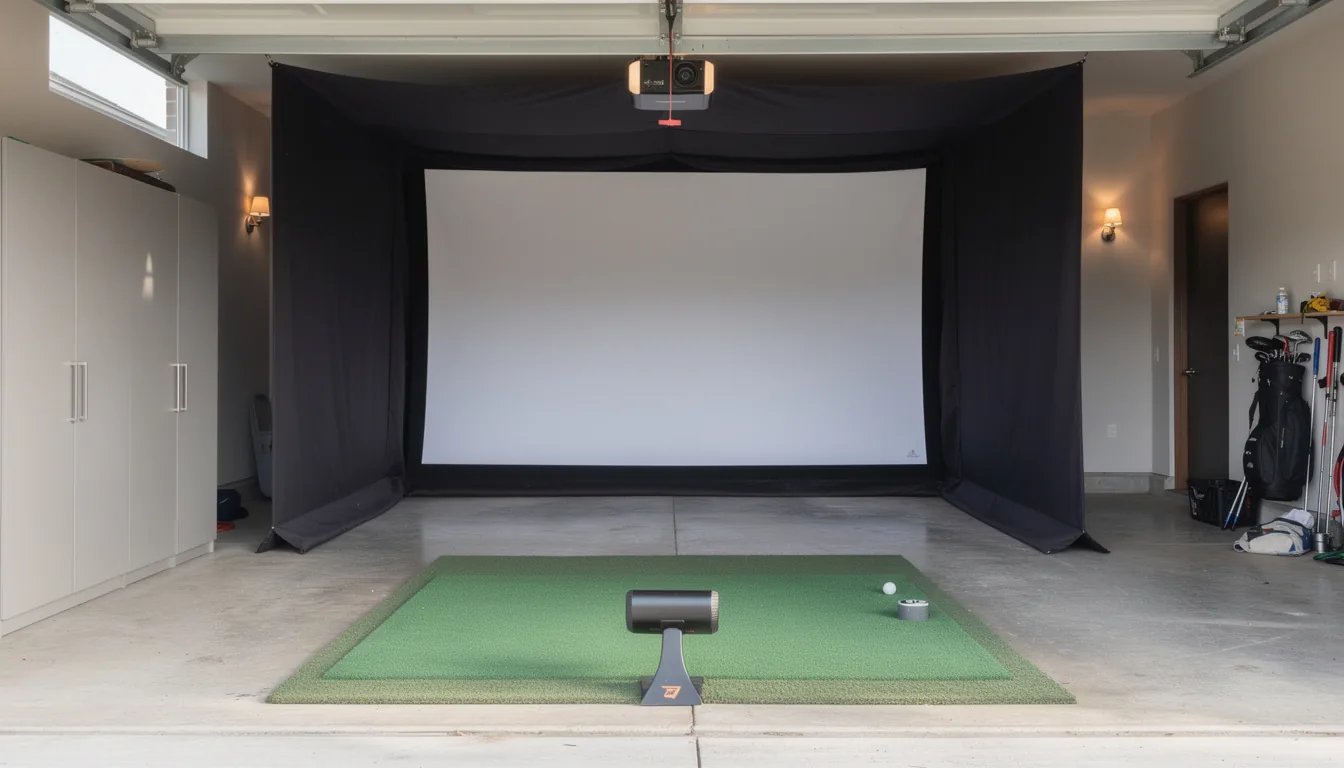
FlightScope Golf PC Software is specific to supported FlightScope devices. E6 Golf 26 and GSPro offer different PC simulation paths. Start with the monitor's supported software list; do not buy the least expensive incompatible license.
Compare the 3 picks
1. FlightScope Golf PC Software
Choose for: FlightScope PC setup.
Trade-off: Requires compatible FlightScope hardware and a supported PC.
2. E6 Golf 26 Golf Simulation Software
Choose for: E6 software entry point.
Trade-off: Requires compatible hardware and a supported computer.
3. GSPro Software Yearly Subscription
Choose for: PC simulator software.
Trade-off: Requires a compatible Windows PC and supported launch monitor.
Before you buy
Confirm exact monitor compatibility, operating system, graphics requirements and license renewal. An E6 license is not automatically valid for every monitor. Open-box computers require an exact configuration and condition check.
These are alternatives, not a basket to buy together. Compare the current product configuration and included accessories with the rest of your build. For used, renewed or open-box gear, read the exact seller's condition and return terms.
Back to the build calculator · Read the full software and computers guide